Meta Partnership Ads: The Complete Guide for Brands
What Meta partnership ads are, the two permission types, step-by-step setup in Creator Marketing Hub and Ads Manager, policy rules, and how to measure results.

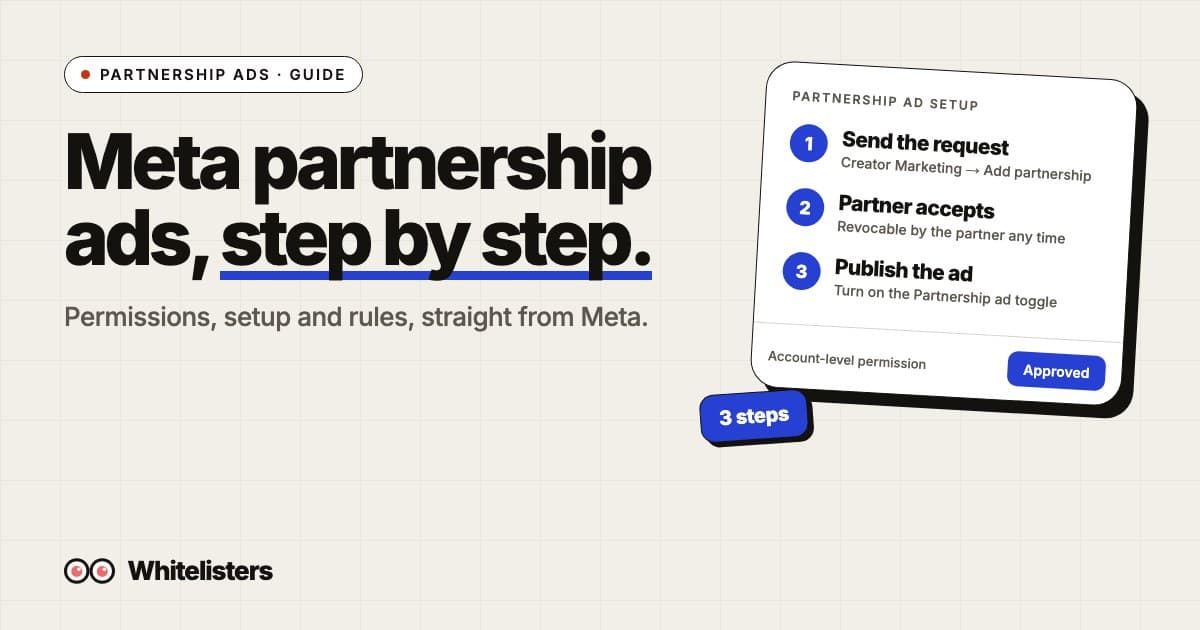
Meta partnership ads are ads that run from a creator’s or partner’s account together with your own. Meta describes them this way: advertisers run ads with partners (creators, brands and other businesses), the partner and advertiser accounts appear in the ad’s header, and the ads use signals from both accounts for improved ranking and incremental performance. They used to be called branded content ads.
This guide covers what they are, the two permission types, how to request access and build the ad, the rules, and how to measure the result. Every Meta detail below comes from Meta’s Business Help Center, linked in the sources.
What a partnership ad is, and what it is not
There are three things people mix up. Organic branded content is a creator’s post that carries the paid partnership label. A partnership ad is that kind of content, or new creative, promoted by an advertiser. A standard brand ad runs only from your own page. Meta is explicit that partnership ads are not the same as organic branded content: letting a partner tag your account on an organic post needs separate permission from partnership ad permission.
| Organic branded content | Partnership ad | Standard brand ad | |
|---|---|---|---|
| Who publishes | The creator | The advertiser, with the partner’s handle | The advertiser |
| Header identity | Creator, with “Paid partnership with” label | Partner and advertiser, or either one | Advertiser’s page |
| Needs partner permission | Brand tagging approval | Partnership ad permission | No |
Partnership ads on Facebook ads and Instagram: where they run
People search for “partnership ads on Facebook ads” as if Facebook and Instagram were two products. They are one ad system. A partnership ad is built once in Ads Manager and can run across Facebook and Instagram placements like any other ad; Meta’s own help page is titled Partnership ads on Facebook and Instagram. What differs is the identity: on Facebook the ad shows the partner’s Facebook Page, on Instagram it shows their Instagram account. So the partner needs the matching asset for each placement you want, and Meta recommends partners link their Instagram and Facebook accounts, because then one accepted account-level request gives you permission for both. If a partner only has an Instagram account, limit the ad set to Instagram placements or expect Meta to show your own Page on Facebook.
The two permission types
Advertisers need permission from the partner whose handle the ad will include, and partners can revoke it at any time. Meta defines two types:
| Content-level | Account-level | |
|---|---|---|
| Scope | One post, story or reel | The whole account, ongoing |
| Best for | Short-term or one-time promotions | Ongoing partnerships |
| How it is granted | “Allow brand partner to boost” toggle on a tagged post, or the partner shares a partnership ad code | The advertiser sends a request and the partner accepts it |
| What you can do | Promote the specific content | Create ads from the handle without pre-existing content, or from any of the partner’s content that tags you |
Two details that save time. If two Instagram or Facebook accounts are owned by the same business and someone has ads access to both, they can run partnership ads without permissions. And if you use an agency, Meta says you’ll need to grant it permissions across your Instagram account, Facebook page and ad account.
How to request account-level permission
Meta documents this in Creator Marketing Hub. The steps:
- In Meta Business Suite, click Creator Marketing in the left navigation.
- Under the Creators tab, click Manage permissions.
- Click Add partnership in the top right and search for the partner’s username.
- Click Next, select the account you want to partner with them from, then click Done.
- Click Send request.
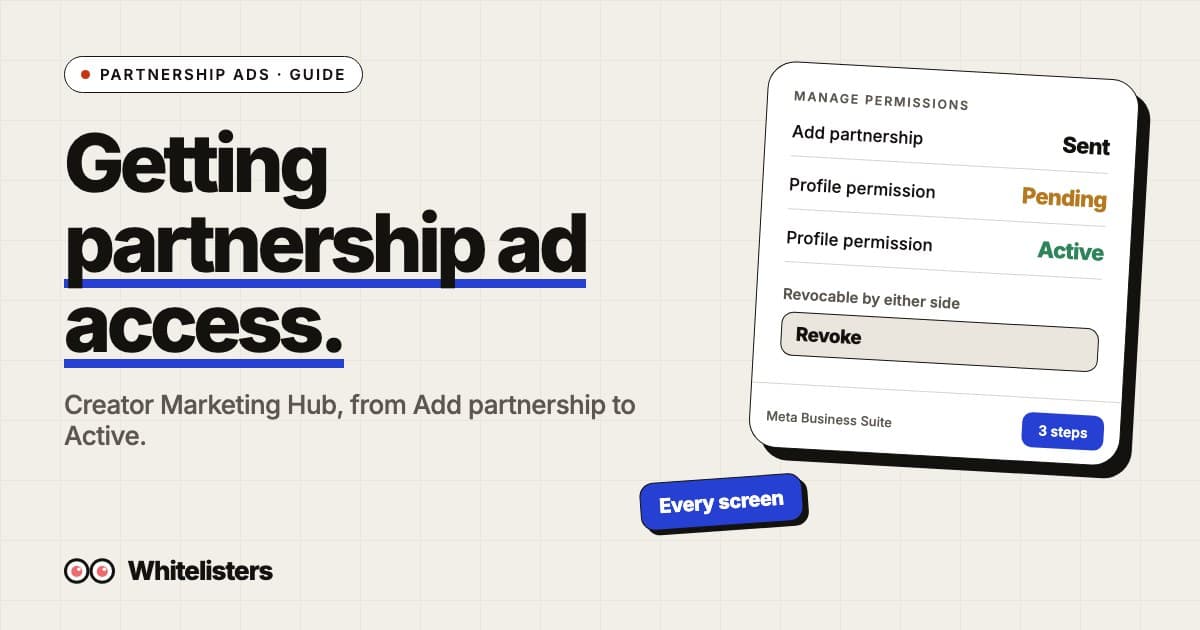
The partner is notified and can accept in Creator Marketing Hub, the Instagram app or the Facebook app. If their Instagram and Facebook accounts are linked, accepting gives you account-level permission for both. Until they accept, the partner shows a “Request sent” status. Every screen in that flow, with the pending and active states, is in how to request partnership ad access.
How to create the ad
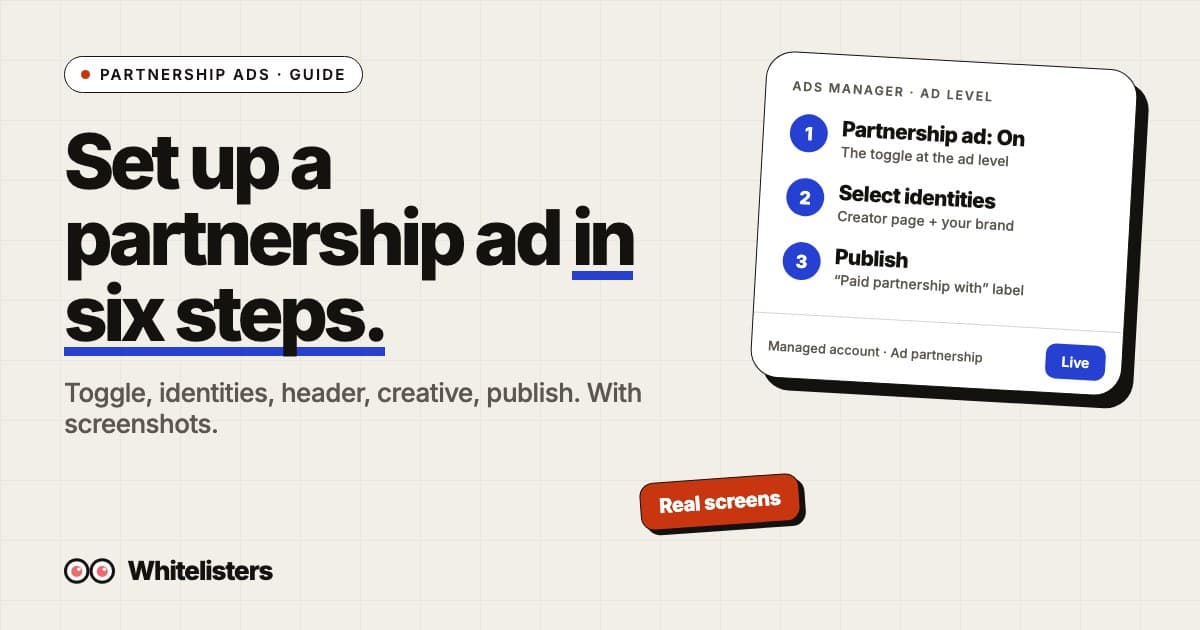
Meta’s guide gives two routes. Both start the same way: in Ads Manager click Create, choose your objective, set conversion location, budget, schedule and audience, then click Next and turn on the Partnership ad toggle at the ad level.
- With an ad code or post info: click Enter ad code or post info, paste the code, post ID or post URL, choose the second identity, then pick how the header shows the partners.
- Without an ad code: go to Identities, click Edit and choose the identities. You can then boost an existing post or upload new creative.
For the header you can show both identities, the first identity only, or a dynamic identity, where Meta picks the option predicted to perform best. Dynamic identity is on by default. Once published, the ad is reviewed and you are notified when it is approved. You can’t manage likes and comments on a boosted post until the partnership ad is live. For screenshots of each step, see how to set up partnership ads in Ads Manager.
Rules, labels and what you cannot promote
- Labels. Branded content shows “Paid partnership with” and the partner’s name. If the post is boosted or is an unpublished ad, an Ad label appears too.
- Prohibited categories. Meta’s Branded Content Policies prohibit items such as tobacco and vaping products, drugs, weapons, adult products, payday loans, multilevel marketing, initial coin offerings and state lotteries.
- Restricted categories. Alcohol, subscription services, financial and insurance products, cosmetic procedures and weight loss, and family planning can only be promoted with restrictions.
- Pre-authorization. Dating, real-money gambling, pharmacies, prescription drugs, cryptocurrency products and services, treatment centers, and government or politics need written approval from Meta first.
- Format. No pre-, mid- or post-roll ads inside the video, no banner ads on videos or images, and no title card in the first three seconds.
- Law. Meta reminds you to follow applicable law, including any disclosures that show the commercial nature of the content. Tagging does not replace that.
How to measure a partnership ad
Results show in Ads Manager like any other ad. To know whether a creator page beats your brand page, run a clean split rather than switching ad sets on and off: Meta says informal testing can lead to overlapping audiences and unreliable results, and recommends changing one variable and running tests for at least seven days.
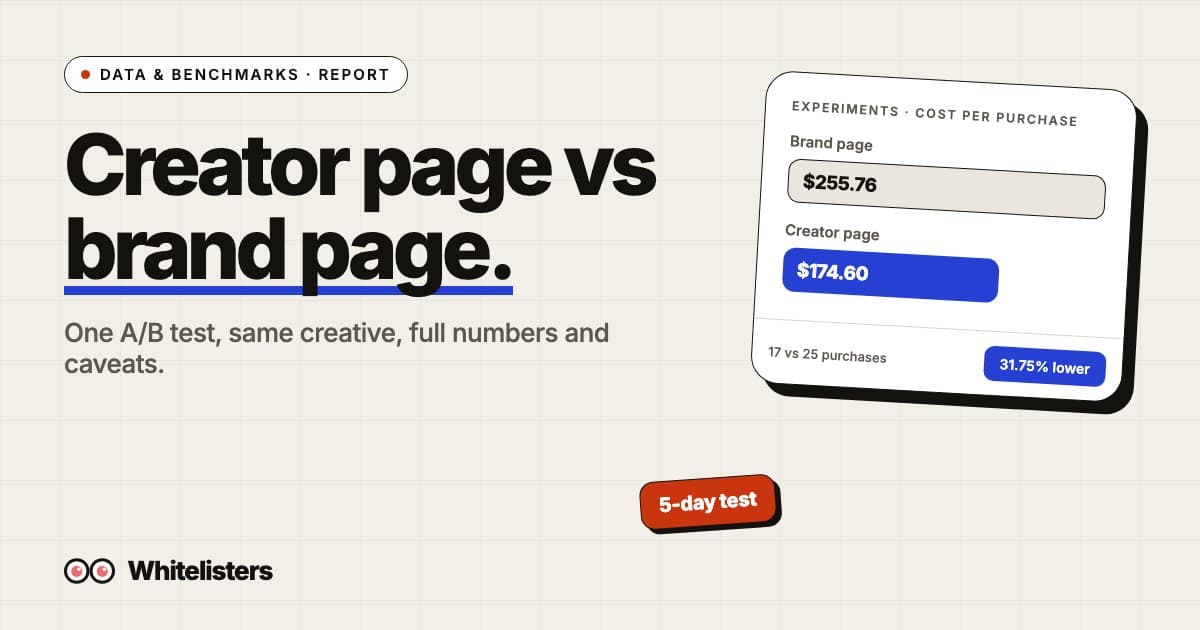
We ran that kind of test with identical creative and only the page identity changed. The Whitelisters page cost 31.75% less per result ($174.60 against $255.76). It ran August 26 to 30, 2026, shorter than Meta’s seven-day guidance, so see the full numbers and caveats in partnership ads vs brand page ads, and run the same test on your own account.
Where Whitelisters fits
Everything above is per creator: one request, one approval and one renewal each. Whitelisters is a roster of creator pages with one flat price per brand Instagram account. You connect your Meta account in Whitelisters, pick the Instagram account you run ads from and request any page you want. Whitelisters sends the partnership request through Meta for you. Once it is approved, you choose the page as your partner in Ads Manager and build the ad yourself, with your creative. Pricing is on the pricing page, and how it sits next to an agency, software or an in-house buyer is in Meta ads management: agency, software or your own media buyer.
Frequently asked questions
What is the difference between content-level and account-level permissions?
Content-level permission covers specific posts, stories or reels, and suits one-time promotions. Account-level permission covers the partner’s whole account for ongoing partnerships, so you don’t need approval for each piece of content.
Can a creator remove my access?
Yes. Meta says creators and other partners can revoke partnership ad permissions at any time.
Do I need the partner’s ad code?
No. An ad code gives content-level permission to boost specific content. With account-level permission you can create partnership ads without an ad code.
Which accounts does the partner need?
Meta recommends linking Instagram and Facebook accounts. If the partner’s accounts are linked, they get notifications on both, and accepting gives you account-level permission for both.
Do I need agency permissions to run partnership ads for a client?
Yes. Meta says an advertiser working with an agency needs to grant the agency permissions across the Instagram account, Facebook page and ad account.
Does account-level permission cover both Instagram and Facebook?
If the partner has linked their Instagram and Facebook accounts, accepting an account-level request gives you permission for both accounts.
Can partnership ads run on Facebook ads as well as Instagram?
Yes. A partnership ad is built once in Ads Manager and can run across Facebook and Instagram placements. On Facebook it shows the partner’s Facebook Page and on Instagram their Instagram account, so the partner needs the matching asset for each placement, which is why Meta recommends linking the two.

Zachary DiBlasi
Zachary DiBlasi is the founder and CEO of Whitelisters and MindfulAds.com. He has managed over $200m in ad spend for brands including Kalshi, MrBeast, Descript, Framer, Justin Bieber and Runna by Strava.